
atmos:software:chords:home:adding_instruments_to_chords
Adding a New Instrument to CHORDS Server
- Open the CHORDS-UND website
- Sign In
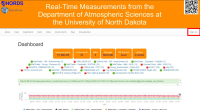
- Your login credentials should be your UND username and password
- If these do not work, contact Dr. Delene or another supervisor to set up your account.
- Click on “Instruments” in the top panel
- Scroll to the very bottom of the page to check latest ID number
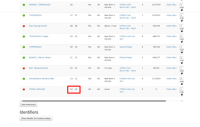
- For your new instrument, select an ID number one greater than the greatest already in the list. (e.g. If the bottom instrument/newest instrument has ID number 34, you will choose 35.)
- Select “New Instrument”
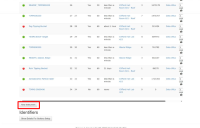
- Fill in the information and Create
- To add variables that your instrument will measure, you may have to create the instrument, go to the instrument page, then go back into editing mode for the newly created instrument.


atmos/software/chords/home/adding_instruments_to_chords.txt · Last modified: 2026/02/24 23:06 by ashley.vos